
You've moved your data to a cloud data warehouse or database. Now you need an analytics platform to match. You're probably shortlisting a handful of BI tools right now, and two keep coming up: Astrato and Sisense.
Both handle embedded analytics. Both can serve dashboards to your customers. Both claim to be easy to use. But they solve the problem from very different angles.
This article gives you a straight comparison. No spin. Just the architecture, the features, the pricing reality, and what real users say about each tool. By the end, you'll know which one fits your stack.
Quick summary
What are Astrato and Sisense?
Astrato

Astrato is a warehouse-native BI platform built for the modern data stack. It queries live directly from your cloud data warehouse, lakehouse or database — no data extracts, no caching layer, no duplication. Think of it as the analytics execution layer that sits on top of Snowflake, BigQuery, Databricks, Redshift, PostgreSQL or ClickHouse.
It's designed for two types of users: product and data teams who need to build customer-facing analytics fast, and business users who want to explore data on their own without relying on SQL or IT support.
Key strengths: embedded analytics, live writeback, a built-in semantic layer, out-of-box GenAI, and a no-code drag-and-drop interface for creating dashboards.
Sisense
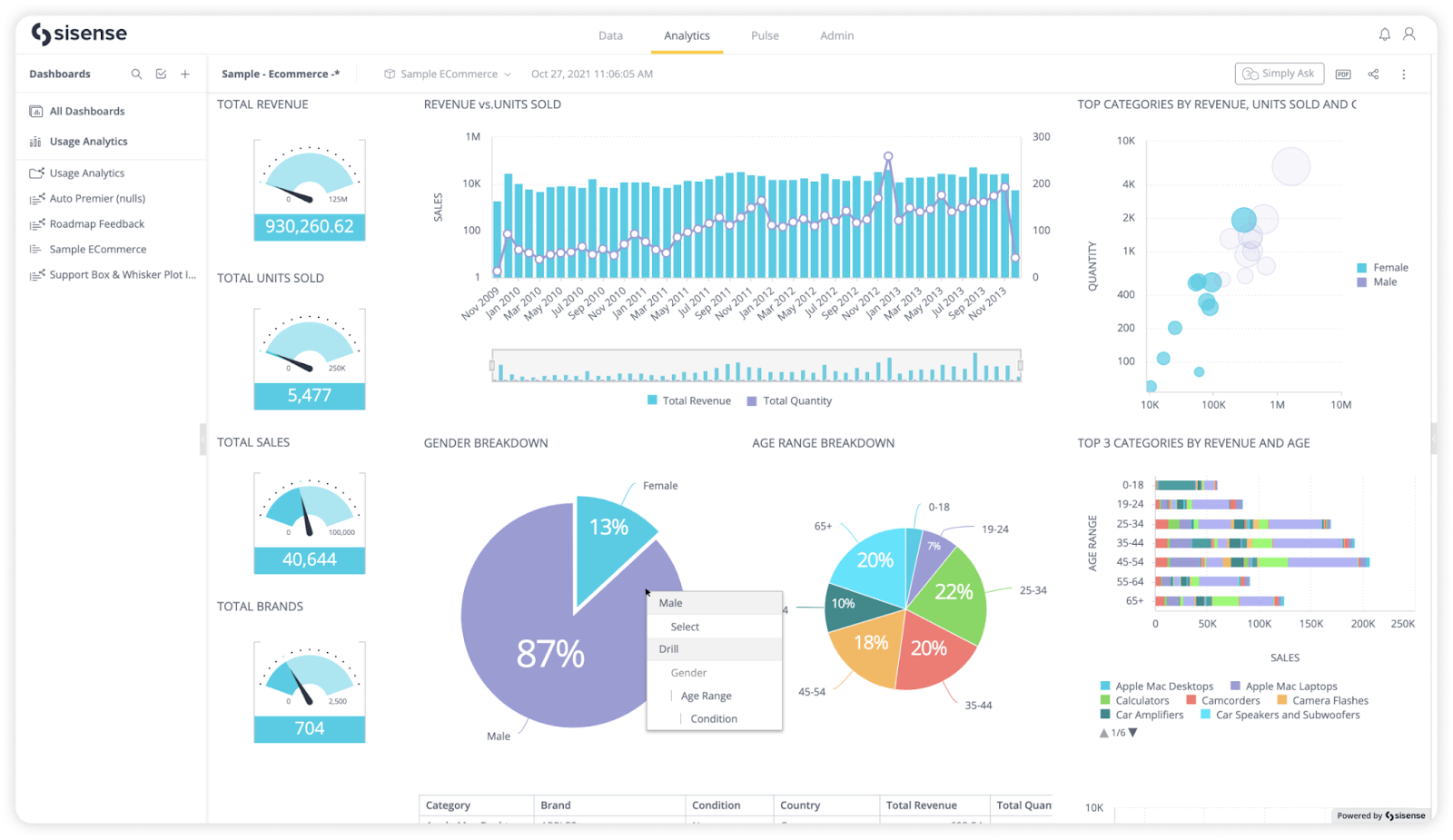
Sisense started as an internal BI tool in 2004 and evolved toward embedded analytics from 2019 onward. Its core technology is the ElastiCube, a proprietary in-memory data engine that extracts and caches data from your sources.
Sisense targets enterprise product teams that need developer-grade SDK control over how analytics surfaces in their applications. Its Compose SDK supports React, Angular, and Vue. It has strong data connectivity and can pull from a very wide range of sources.
Key strengths: mature embedded SDK tooling, wide data source support, strong API-first architecture, and good query performance on large datasets through ElastiCube compression.
Architecture: warehouse-native vs. extract-based
This is the most important difference between these two bi tools. It affects data freshness, governance, and total cost of ownership.
Sisense: The ElastiCube model
Sisense's default architecture extracts data from your warehouse and stores it in a proprietary ElastiCube cache. This means:
- Your data lives in two places. The warehouse, and Sisense's own store.
- Dashboards reflect a snapshot, not live data. You have to schedule refreshes.
- Governance rules in your warehouse don't automatically carry over. You manage them in two places.
- Each additional elasticube costs extra. Multi-tenant setups get expensive fast.
Sisense does offer live query models. But multiple reviews note they come with limitations compared to a natively warehouse-native architecture.
Astrato: warehouse-native by design
Astrato runs live queries directly against your warehouse. There's no extract layer, no data copy, and no refresh schedule to manage. When data changes in Snowflake or BigQuery, dashboards reflect it immediately. Governance rules, row-level security, and consistent metrics stay in the warehouse — defined once, respected everywhere.
- No data duplication means cleaner lineage and lower storage costs.
- Performance scales with your warehouse, not a separate engine.
- Row-level security and RBAC are inherited from the warehouse, not rebuilt in a second layer.
Embedded analytics: how each platform embeds
Sisense embedding
Sisense offers three embedding methods:
- iFrame embedding — quick to set up, but limited design control. Sisense loads inside a window in your app. It's not responsive and can't inherit your app's CSS styles.
- Sisense.JS / Embed SDK — wraps the iFrame with JavaScript. Gives slightly more programmatic control, but it's still an iFrame under the hood.
- Compose SDK — code-first SDK for React, Angular, and Vue. This is where you get real pixel-perfect control, but it requires a front-end developer team.
The verdict: Basic embedding is accessible. True design customisation requires engineering resources.
From Sisense documentation and user reviews we can conclude:
Astrato embedding
Astrato's embedded analytics is built for no-code flexibility. You can embed a single chart, a cluster of visuals, or a full dashboard as an iframe or web component. The platform uses a drag-and-drop interface — your product or data team can build, iterate, and ship without a developer in the loop.
- Pixel-perfect white labeling — control fonts, colours, spacing, and component styling.
- Flexible embedding granularity — choose what goes where in your UI.
- Built-in self-service analytics for end users — filters, drill-downs, and AI exploration included.
- Multi-tenancy by design — row-level security and per-user data isolation built in.
- Web component support — embed analytics as a native web component in your product.
Sisense vs. Astrato: feature comparison at a glance
Writeback: acting on data, not just viewing it
Most BI tools stop at the chart. You see the insight. Then you switch to another tool to act on it.
Astrato's live writeback closes that loop. Users can update records, adjust forecasts, approve workflows, and enter data directly from the dashboard — and those changes write immediately back to the warehouse.
Practical examples where writeback makes a real difference:
- Sales teams update pipeline values inline, without leaving their analytics view.
- Finance teams approve or flag budget line items from within a dashboard, with a full audit trail.
- Ops teams update incident status and assign ownership directly from the dashboard.
- Non-technical users enter operational data or corrections without a separate form or app.
AI-powered insights: how smart are the answers?
Sisense AI
Sisense launched Sisense Intelligence in 2025. It supports natural language queries, auto-narrative, and BYO LLM — available from the Grow tier. Users can ask questions of their data via a Slack integration without navigating dashboards.
Astrato AI
Astrato's GenAI capabilities are grounded in its warehouse-native semantic layer. This matters because AI is anchored to governed metric definitions, not raw column names from wherever data happens to be cached.
- Natural language querying — ask questions, get visualisations instantly.
- Auto-narrative — charts explain themselves in plain language.
- AI-assisted measures — generate measures, aliases, and semantic layers with natural language commands.
- LLM flexibility — Snowflake Cortex, Google Gemini, OpenAI, or bring your own.
- No hallucinations — AI is constrained to your governed definitions, so "active users" means the same thing everywhere, every time.
For non-technical business users, this is the difference between getting an answer they can trust and getting one they have to double-check.
Self-service analytics: who can actually use it?
Both platforms target self-service analytics for business users. The experience differs significantly.
Sisense self-service
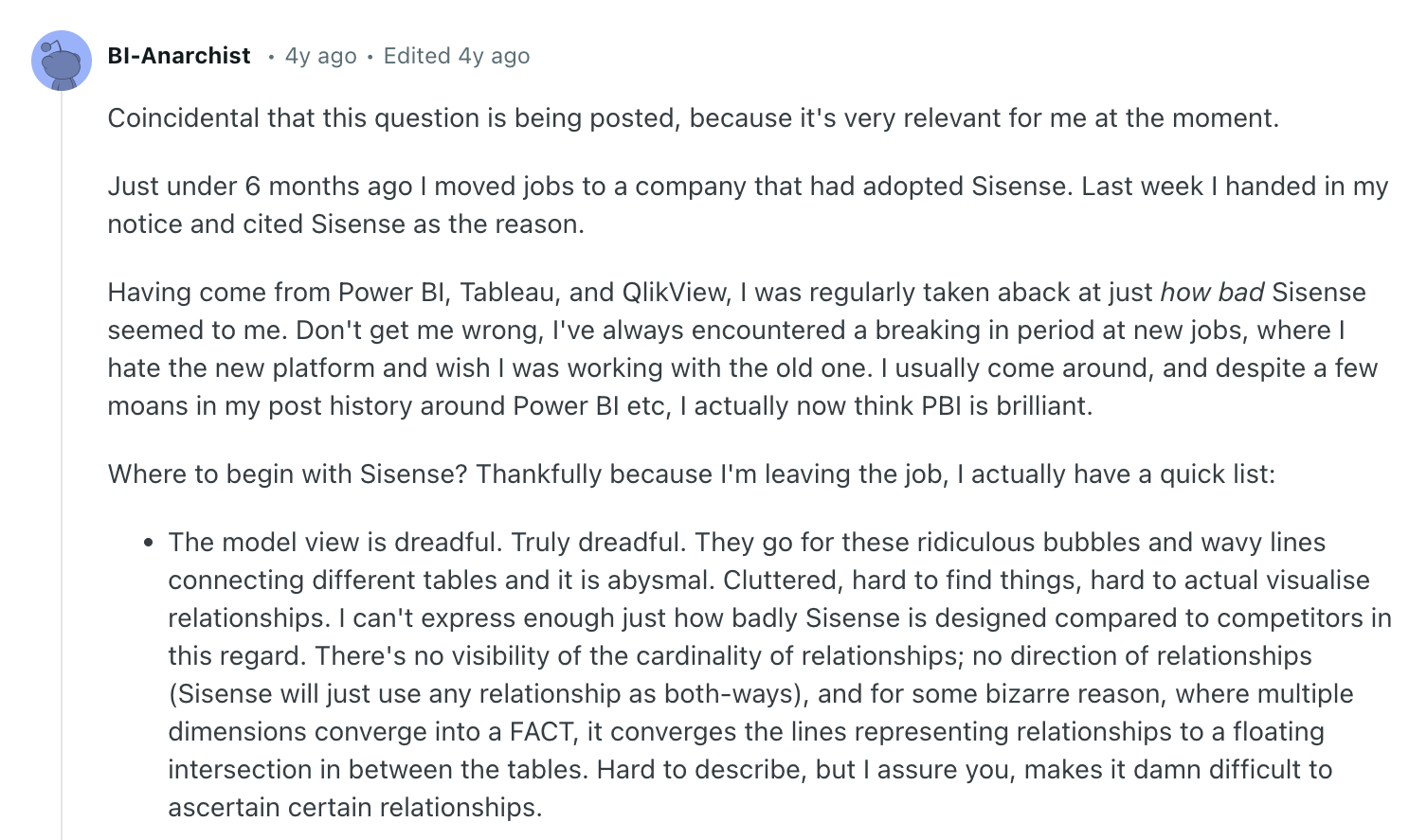
Sisense has improved here. Non-technical users can explore data through pre-built dashboards. But advanced customisation — changing font colors, building new widgets, adjusting layouts — often requires JavaScript scripting or developer involvement.
Astrato self-service
Astrato is built around a no-code drag-and-drop interface. Data analysts and non-technical business users can build dashboards and iterate without writing code. The semantic layer provides guardrails — business users work with governed metrics, not raw data. Power users can still drop into SQL when needed.
What real users say about Sisense
On the positive side, G2 users highlight Sisense's data visualization capabilities (50 mentions) and customer support (40 mentions).
The platform performs well for internal dashboards and teams that have the technical resources to get the most out of it.
What real users say about Astrato
Common positives from reviews: speed, intuitive no-code builder, warehouse-native architecture, and a responsive support team.
Common critiques: documentation depth on some features and occasional missing chart types.
Key takeaways
- Architecture matters most. Astrato is warehouse-native; Sisense is extract-based by default. If live data, clean lineage, and single-source governance are non-negotiable, Astrato's approach is the cleaner fit.
- Embedding without a developer. Astrato's no-code drag-and-drop lets product and data teams ship embedded analytics fast. Sisense's full-control embedding requires developer resources.
- Writeback is a real differentiator. Astrato has native writeback built in. Sisense does not. If your users need to act on data inside dashboards, this is a gap that matters.
- AI quality depends on the data foundation. Both platforms offer AI-powered insights, but Astrato's AI is anchored to a governed semantic layer — reducing hallucinations and ensuring consistent answers across all users.
- Pricing transparency. Astrato offers clear plans with a free trial. Sisense requires a sales process, and hidden costs — per-cube fees, AI add-ons, onboarding — can significantly inflate the final number.
- Self-service for non-technical users. Astrato is designed for business users from the ground up. Sisense's self-service experience still requires more technical groundwork to reach the same result.
- Sisense is valid for specific scenarios. If you need very broad data source connectivity, a mature developer SDK, or self-hosted deployment for compliance reasons, Sisense is still a legitimate option to evaluate.
Ready to see Astrato in action?
If you're on a cloud data warehouse or database and evaluating your next BI tool, the best move is to try Astrato on your own data. No sign-up required. You can explore a live demo in minutes and see exactly how warehouse-native analytics performs for your use case.
Still researching? Read our full Sisense alternatives comparison or dive into the Astrato vs Sisense feature page for a deeper technical breakdown.
When you're ready to talk through your specific requirements, book a demo and our team will be happy to help you find the right fit.




.avif)


